


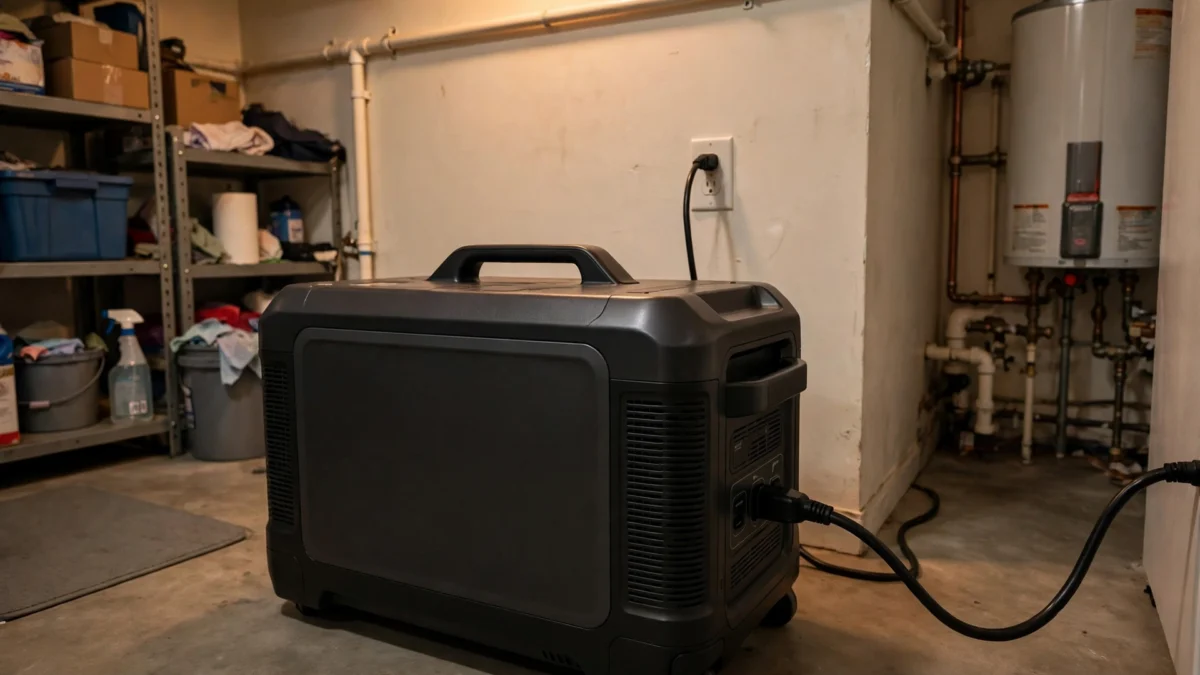
Yes — a solar generator can work as a UPS for most home backup needs, with one technical caveat: what manufacturers call “UPS mode” on power stations is actually EPS (Emergency Power Supply), which switches to battery in about 10–30 milliseconds. That’s fast enough for fridges, routers, CPAP machines, and lights, but not the true 0ms switchover of an online UPS that servers and some medical devices need.
I run a power station in EPS mode at home for my network gear and fridge, and it’s carried me through a half-dozen outages without a hiccup. Here’s exactly how it works, what it can and can’t protect, and how to set it up right.
Key takeaways
- “UPS mode” on solar generators is really EPS: 10–30ms switchover (EcoFlow DELTA Pro: 30ms; newer models under 10ms).
- Works great for: fridges, freezers, Wi-Fi routers, CPAP, lights, fans, sump pumps, phone chargers.
- Don’t trust it for: desktop PCs without their own UPS, servers, or medical devices that specify 0ms transfer.
- Setup: plug the station into the wall, plug critical loads into the station, keep it charged, set charge limits in the app.
- For whole-circuit backup, pair it with a manual transfer switch installed by an electrician.
EPS vs. True UPS: The Distinction That Matters
A true online (double-conversion) UPS runs your devices from its battery all the time, with the wall power only keeping the battery charged. When the grid fails, there’s literally nothing to switch — the battery was already carrying the load. Switchover time: 0ms.
A solar generator in EPS mode works differently. While grid power is present, it sits in bypass mode: wall power flows straight through to your devices (see our pass-through charging explainer), and the battery idles at full charge. When the grid drops, a relay switches the output to the inverter. That relay takes time — here’s what the specs actually say:
| Device | Switchover time | Type |
|---|---|---|
| Online/double-conversion UPS | 0ms | True UPS |
| EcoFlow DELTA Pro 3 / newer stations | <10ms | EPS (fast) |
| EcoFlow DELTA Pro (original) | 30ms | EPS (standard) |
| Typical line-interactive UPS | 2–10ms | True UPS |
| Jackery HomePower 3000 | <20ms | EPS |
Here’s the practical translation: most modern power supplies — the kind in routers, phone chargers, LED lights, CPAP machines, and even many laptop bricks — have enough internal capacitance to ride through a 20–30ms gap without blinking. A fridge compressor doesn’t care about a 30ms gap at all. What does care: a desktop computer’s PSU can reset, and anything with a spinning hard drive or an unsaved state is at risk.
What Works Well in EPS Mode
The ideal loads
- Refrigerator/freezer: The #1 use case. A fridge draws 100–200W running and doesn’t notice the switchover. A 2kWh station keeps a modern fridge going 10–20 hours.
- Wi-Fi router + modem: ~10–20W. Keeps you online through short outages (assuming your ISP’s local equipment has power).
- CPAP machine: 30–90W depending on heated humidifier. The classic overnight-outage scenario EPS was made for.
- Lights, fans, phone chargers: Trivial loads that just keep working.
- Sump pump: 800–1,500W running — size the station for the startup surge, but EPS switching is fine for the motor.
What to keep off it
- Desktop PCs and servers without their own UPS — a 30ms gap can reboot them. EcoFlow’s own manual warns against connecting devices that require 0ms switching.
- Medical devices specifying uninterrupted power (some oxygen concentrators, ventilators) — check the device manual, and talk to the manufacturer before relying on EPS.
- Anything over the bypass output limit — remember, in EPS/bypass mode some stations cap AC output (e.g., ~1,800W on the original DELTA Pro). Size continuous loads under that number.
How to Set It Up Right
Step 1: Size the battery for your outage. Add up the running watts of your critical loads and multiply by the hours you want covered. Fridge (150W) + router (15W) + CPAP (60W) + a few lights (30W) ≈ 255W. Over 10 hours that’s 2.55 kWh — so a 2–3.6kWh station with margin. Our solar generator size calculator does this math for you.
Step 2: Wire it as a pass-through. Station plugs into the wall. Critical loads plug into the station. That’s it — no electrician needed for plug-in loads. For hardwired circuits (furnace blower, well pump), you’ll want a manual transfer switch installed by a licensed electrician, with the station feeding it.
Step 3: Set smart charge limits in the app. This is the step everyone skips. Most stations let you cap max charge at 80% and set a discharge floor. For a unit that sits plugged in 24/7 waiting for outages, I set mine to charge to 80% — it dramatically slows calendar aging on the LiFePO4 cells. (Full details in our guide to leaving a solar generator plugged in.)
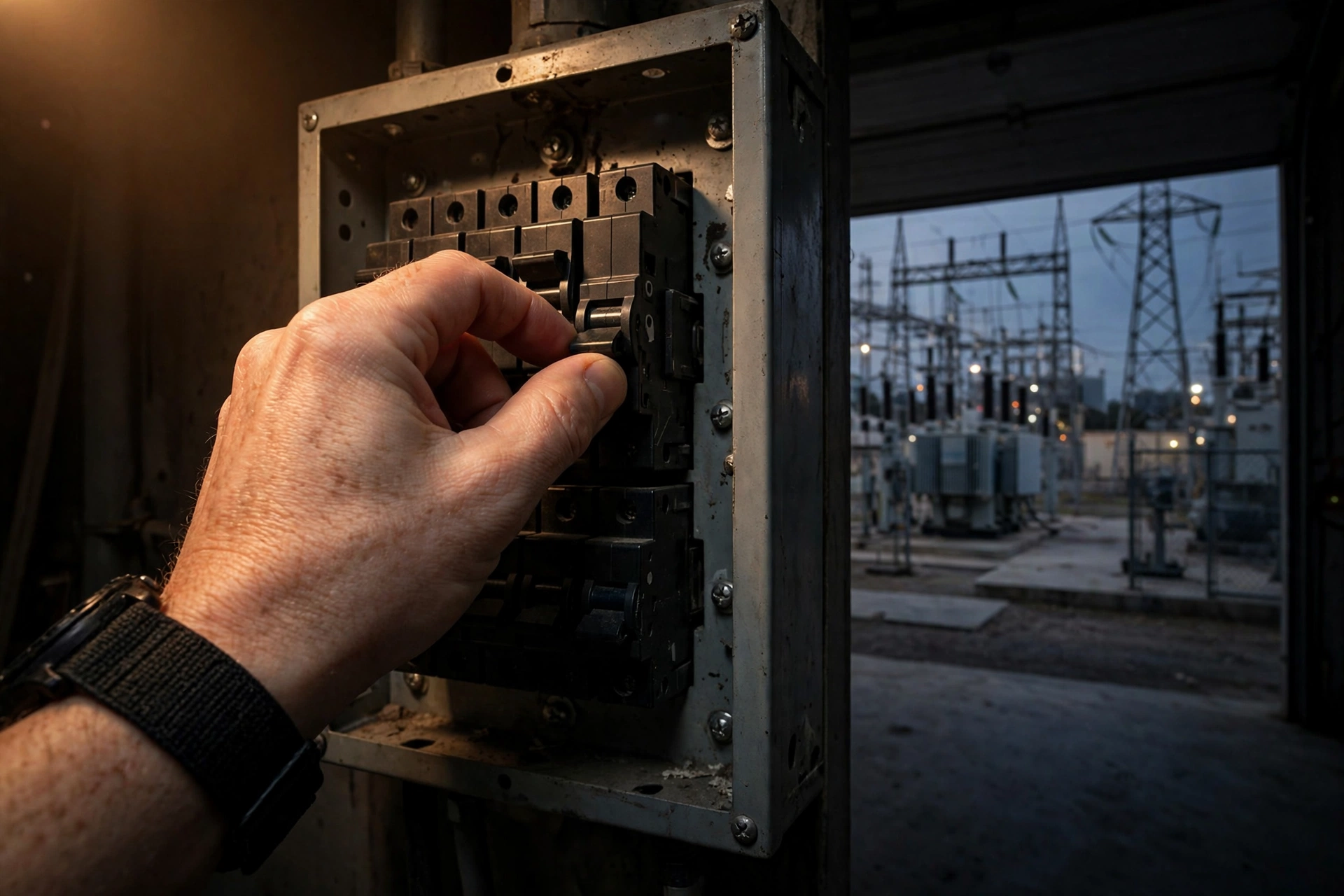
Step 4: Test it. Flip the breaker feeding the station and watch what happens. Does the fridge stay cold? Does the router stay up? Does anything reboot? A 5-minute test beats discovering a problem at 2 AM during a storm.
Step 5: Keep solar connected if you can. Even a single 200–400W panel extends EPS runtime indefinitely during daytime outages — the station recharges while carrying loads. For multi-day outages, this is the difference between “backup” and “off-grid.”
EPS + Transfer Switch: The Serious Home Setup
For whole-circuit backup, the grown-up configuration is: power station → manual transfer switch → selected home circuits. The station lives in EPS/bypass mode on grid power; when the grid fails, it switches to battery in milliseconds and your chosen circuits never drop.
EcoFlow’s DELTA Pro line supports this with a 30A output and double-voltage hub options for 240V circuits (well pumps, for example). Bluetti and others have similar transfer-switch kits. Budget roughly $500–1,500 for the switch plus electrician labor on top of the station — still far less than a standby generator installation, which we price out in our portable vs. standby comparison.
Is it as seamless as an automatic standby? No — a standby starts itself and runs indefinitely on natural gas. But for outages measured in hours to a couple of days, an EPS station with solar recharge is silent, maintenance-free, and costs a fraction as much.
How I Tested EPS Mode at Home
When I first set up my station as a mini-UPS, I didn’t trust the spec sheet — so I tested it the honest way. I plugged in my fridge, router, and a lamp, then walked to the breaker panel and killed the circuit. The lamp didn’t flicker. The router stayed up — I had a ping running on my laptop and didn’t drop a single packet. The fridge compressor never noticed.
Then I tried the harder test: a desktop PC with no UPS of its own. It rebooted. Every time. That’s the 30ms gap in action, and it’s why I keep repeating the cheap-UPS advice — the test took five minutes and settled the question permanently.
I also timed the battery: my 2kWh unit carried the fridge (averaging ~130W), the router, and a few LED lights for just under 14 hours before hitting my 15% floor. That matches the math almost exactly — 1.7 usable kWh divided by ~125W average draw. The spec sheets aren’t lying about capacity; they’re just quiet about the switchover gap.

Frequently Asked Questions
Is EPS mode the same as UPS mode?
Will my computer stay on when the power goes out in EPS mode?
Can I leave my solar generator in EPS mode all the time?
How long will a solar generator run my fridge in an outage?
Can a solar generator power my whole house like a standby generator?
Bottom Line
Think of a solar generator in EPS mode as a UPS for everything except the most sensitive electronics. It keeps the fridge cold, the Wi-Fi up, and the CPAP running through outages — silently, with zero maintenance, and with solar to stretch it for days. Just respect the two honest limits: the 10–30ms switchover (put a cheap UPS on your PC) and the bypass output cap (size loads accordingly). Set it up once, test it once, and forget about it until the lights go out.

Related Guides
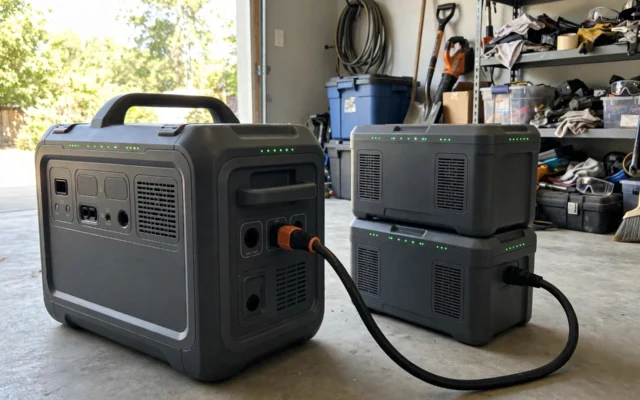
Solar Generator Expansion Batteries: How They Work & Are They Worth It?
Expansion batteries can double or triple your solar generator's capacity. How they connect, what they cost per kWh, and when they're worth it — vs. just buying bigger.

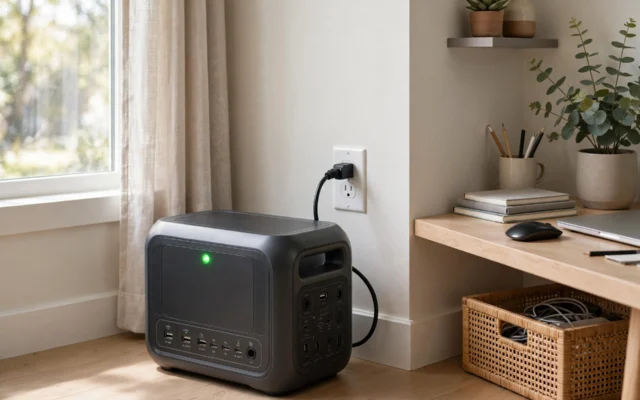
Can You Leave a Solar Generator Plugged In All the Time?
Can you leave a solar generator plugged in 24/7? Yes — the BMS prevents overcharging. But sitting at 100% shortens battery life. Here's the 80% rule and the right settings.
Pass-Through Charging on Solar Generators: What It Is & Why It Matters
Pass-through charging lets you use a solar generator while it charges. Here's how it actually works on EcoFlow, Bluetti, and Jackery — and the limits nobody mentions.