


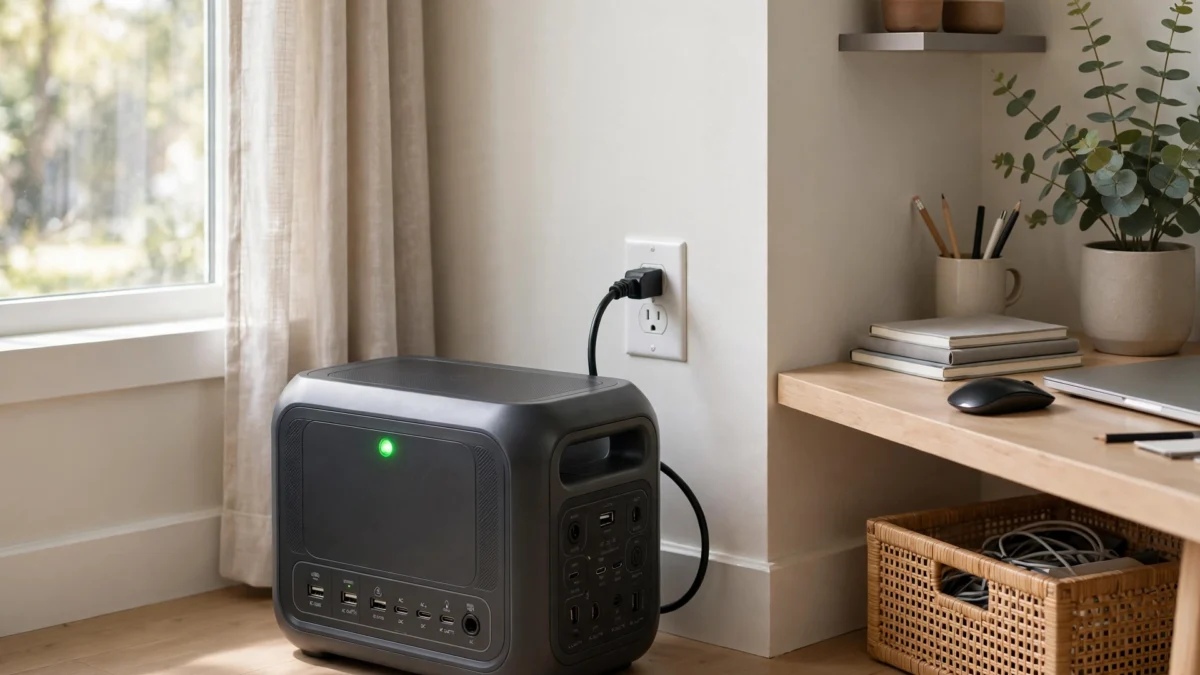
Yes, you can leave a solar generator plugged in all the time — it won’t overcharge. Every modern power station has a battery management system (BMS) that stops charging at 100% and won’t let the battery cook itself. I’ve had units sitting on wall power for months as backup sentries without incident.
But “won’t damage it today” and “best for long-term battery health” are two different things. A lithium battery parked at 100% charge, 24/7, in a warm room ages faster than one kept at 80%. Here’s what actually happens inside, the settings that fix it, and the simple routine I use.
Key takeaways
- Leaving it plugged in is safe — the BMS prevents overcharging. No fire risk from normal plugged-in standby.
- But storing at 100% continuously accelerates calendar aging, especially on NMC batteries and in heat.
- The sweet spot for a plugged-in backup unit: cap charge at 80% in the app.
- LiFePO4 (EcoFlow, Bluetti, newer Jackery/Anker) tolerates this far better than older NMC chemistry.
- For long-term storage unplugged: charge to 50–80%, power it fully off, and top up every 3–6 months.
What Happens When It Sits at 100%
Two kinds of battery wear matter here: cycle aging (from charging and discharging) and calendar aging (from just existing at a given charge level and temperature). A plugged-in backup unit barely cycles — so calendar aging dominates.
The chemistry is straightforward: at high states of charge, the voltage across each cell is at its maximum, and the electrolyte slowly undergoes side reactions that permanently reduce capacity. Heat multiplies the effect. A LiFePO4 cell parked at 100% in a 77°F (25°C) room loses capacity noticeably faster than the same cell parked at 50–80%. It’s not dramatic month-to-month — think a few percent per year of extra fade — but over a 10-year design life, it adds up.
How much does it matter in practice? LiFePO4 batteries are rated for roughly 3,000–4,000 full cycles before dropping to 80% capacity. If you cycled yours fully every single day, that’s 8–10 years. A unit sitting plugged in at 100% isn’t cycling at all — the BMS just trickles in tiny top-ups as the battery self-discharges (a percent or two per month). The realistic impact of 24/7 plugged-in life at 100% is modest but real: you might lose a year or two of that decade-long lifespan versus keeping it at 80%.
LiFePO4 vs. NMC: Why Chemistry Changes the Answer
Most power stations sold since ~2022 use LiFePO4 (lithium iron phosphate) — EcoFlow’s entire current line, Bluetti, Anker SOLIX, and newer Jackery models. LiFePO4 is thermally stable, tolerates being stored at higher charge levels, and lasts 3,000+ cycles. For these, leaving plugged in at 100% is a minor sin.
Older stations (early Jackery Explorers, some Goal Zero units) used NMC (nickel manganese cobalt) — around 500–800 cycles to 80%, and notably more sensitive to high-voltage storage. If you own an NMC unit, the 80% cap matters much more, and I’d avoid leaving it at 100% for months.
Check your spec sheet if you’re unsure. If it says “3,000+ cycles” it’s LiFePO4. If it says “500 cycles” it’s NMC — treat it gently.
The Settings That Make 24/7 Plugged-In Fine
EcoFlow (app)
Device Settings → Charge/Discharge settings: set charge limit to 80% and discharge limit to 10–20%. There’s also a “Backup Reserve” feature on models like the DELTA 2 — it lets the battery discharge down to your reserve level while plugged in, then holds there, so the cells aren’t pinned at maximum voltage indefinitely.
Bluetti (app)
Similar SOC controls: set max charge to 80% for standby duty. Bluetti also offers UPS-mode settings that manage this automatically on some models.
Anker SOLIX
Anker’s app includes charge limits plus a Power Saving mode that cuts output to connected devices once they’re fully charged — reducing pointless micro-cycling when the station is babysitting topped-off devices.
Jackery
Newer Jackery models with app support allow charge-level management; older ones without app control are best left at whatever the BMS does by default (it still won’t overcharge — you just can’t optimize it).
What About Heat?
The other half of calendar aging is temperature, and it matters more than most people realize. Every 10°C (18°F) of sustained extra heat roughly doubles the rate of chemical degradation. Practical rules:
- Keep the plugged-in station indoors, out of direct sun. A garage in Phoenix in July is the worst case — move it inside.
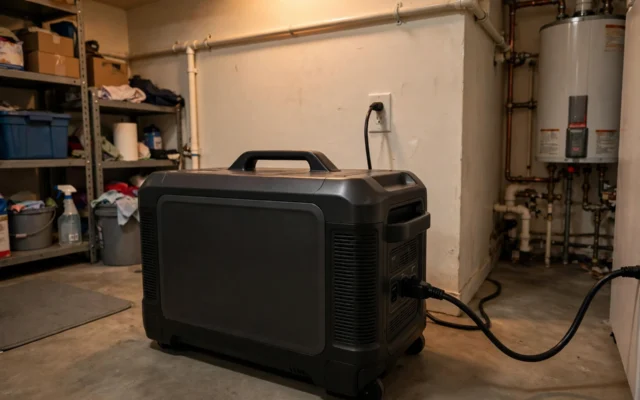
- Give it airflow on all sides. Don’t wedge it between the wall and the water heater.
- If it’s running loads continuously (EPS mode with devices attached), the inverter generates its own heat — ventilation matters doubly.
Long-Term Storage: A Different Routine
Plugged-in standby and unplugged storage are different situations. If you’re putting the station away for months (post-hurricane-season, winter for the cabin unit):
- Charge to 50–80% — the consensus storage range for lithium. Not 100%, not empty.
- Power it fully OFF — long-press the power button until the display dies. Standby mode still sips power and will slowly drain the battery.
- Store cool and dry — room temperature or cooler, never below freezing for extended periods (LiFePO4 shouldn’t be charged below 32°F/0°C).
- Check every 3–6 months. If it’s drifted below ~40%, top it back to 60–80%. A lithium battery left dead for a year can become unrecoverable — the one truly fatal mistake.
And one chemistry note: LiFePO4 batteries need an occasional full 100% charge so the BMS can recalibrate its state-of-charge estimate. If you’ve been running an 80% cap for months, let it charge to full once every few months, then drop the cap back down.
Storm Season: When 100% Is the Right Call
Everything above is about everyday standby. But when a hurricane is three days out and the forecast cone is pointed at you, the calculus flips: charge to 100%. The tiny bit of extra calendar aging from a week at full charge is nothing compared to starting an outage with 20% less energy in the tank.
My routine every June: all stations to 100%, firmware checked, solar panels staged by the door. After storm season passes without a hit, I drop them back to the 80% cap. It’s two minutes in the app, twice a year.
The same “ready vs. resting” logic applies to gas generators — a fueled, stabilized portable ready to roll beats a dry one when the storm hits. Our fuel stabilizer calculator nails the exact stabilizer dose for stored fuel so it’s ready months later.
Frequently Asked Questions
Will leaving my power station plugged in cause a fire?
Does keeping it at 100% void the warranty?
Should I unplug it once it’s fully charged?
How often should I charge a power station in storage?
Is it bad to charge a LiFePO4 battery to 100%?
Bottom Line
Leave it plugged in — that’s what EPS mode is for, and the BMS has your back. Just spend 30 seconds in the app setting the charge cap to 80%, keep the unit somewhere cool with airflow, and give it a full 100% charge every few months for calibration. Do that and your station will be ready for a decade of outages instead of slowly fading on the shelf. For sizing the right station for your backup loads, try our solar generator size calculator.

Related Guides
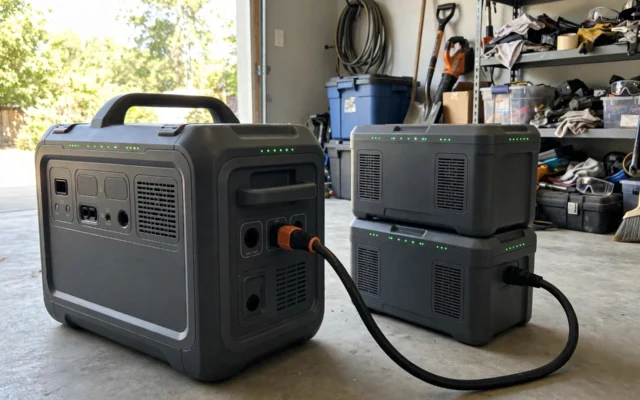
Solar Generator Expansion Batteries: How They Work & Are They Worth It?
Expansion batteries can double or triple your solar generator's capacity. How they connect, what they cost per kWh, and when they're worth it — vs. just buying bigger.

Can a Solar Generator Work as a UPS for Home Backup?
A solar generator can work like a UPS for most home backup — but it's technically EPS, not a true UPS. Switchover times, what stays on, and what doesn't.
Pass-Through Charging on Solar Generators: What It Is & Why It Matters
Pass-through charging lets you use a solar generator while it charges. Here's how it actually works on EcoFlow, Bluetti, and Jackery — and the limits nobody mentions.