


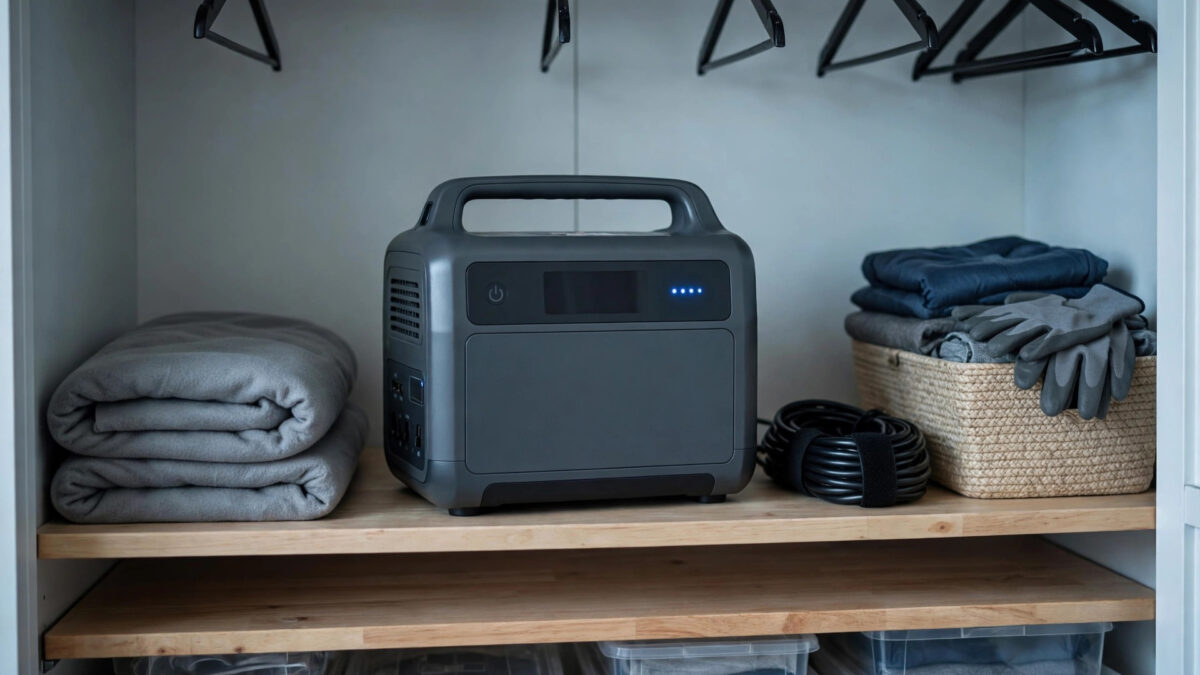
Yes — but slowly. In 2027, a solar generator with a lithium (LiFePO4) battery loses roughly 1-3% of its charge per month sitting on the shelf, so six months of storage costs you about 10-20% of capacity. Older lead-acid-based units are far worse, bleeding 10-15% per month. The real enemy usually isn’t self-discharge itself, though — it’s the unit’s own electronics sipping power in the background, and owners who store the thing at 100% or at 0%.
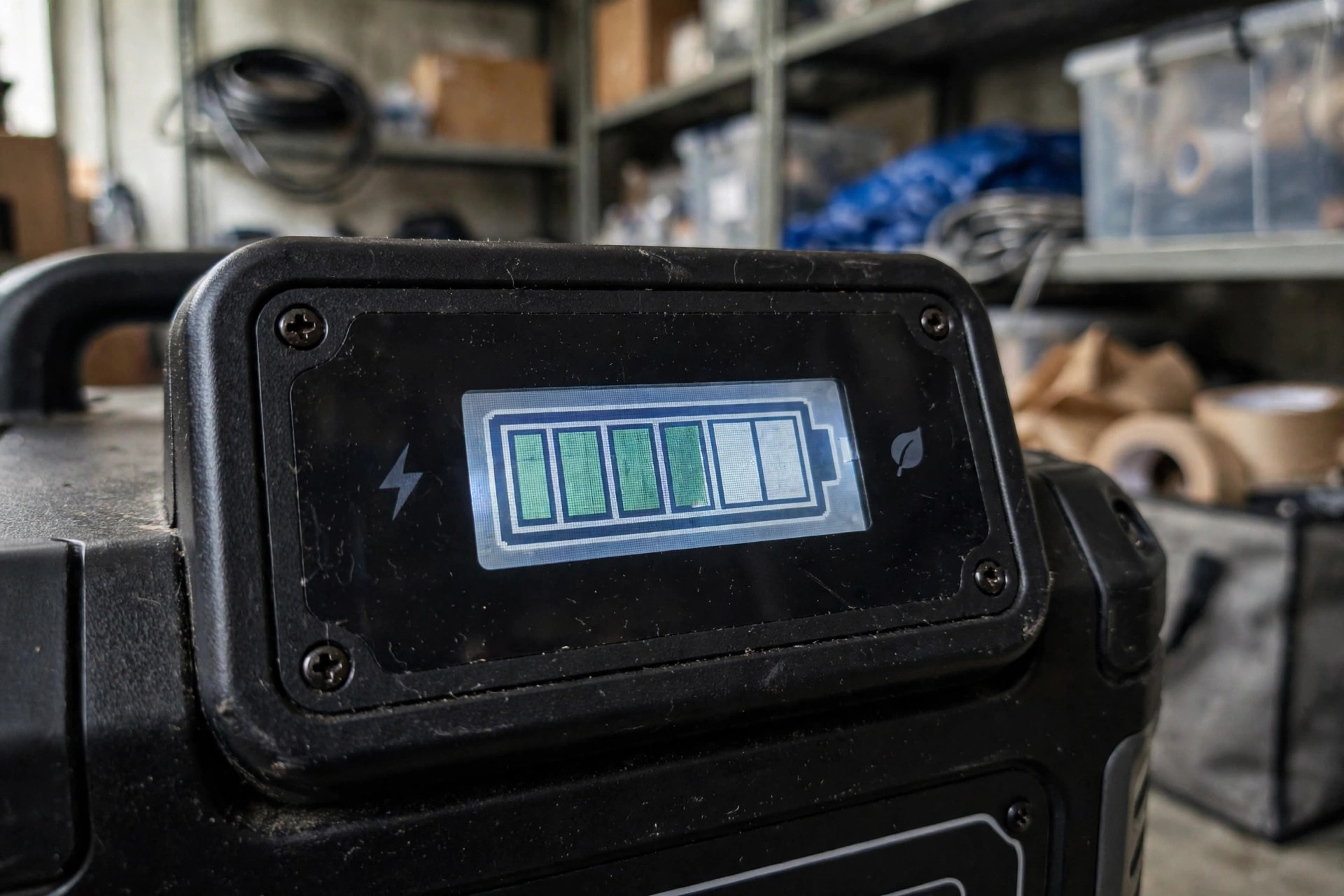
I learned this the unglamorous way: pulled my backup power station out before a storm, found it at 41%, and spent the first hours of the outage charging the thing that was supposed to save me. Now I treat storage charge like a maintenance item. Here’s the full picture.
Key takeaways
- LiFePO4 batteries self-discharge 1-3% per month; lead-acid/AGM units lose 10-15% per month. The battery management system (BMS) and standby electronics add a small extra drain.
- Store at 50-80% charge — not 100%, not empty. Full charge accelerates calendar aging; empty risks the BMS shutting down and the cells dropping too low.
- Top up every 3-6 months. A unit stored at 60% in January is around 45-50% by summer — still healthy, but check it before storm season.
- Heat is the enemy: store in a cool, dry place. A hot garage ages lithium batteries far faster than a cool closet.
- Turn the unit fully OFF (not standby) for storage, and unplug everything — standby mode and connected cables drain the battery.
How fast do they actually lose charge?
Two separate drains work on a stored solar generator:
1. True self-discharge (chemistry). All batteries slowly lose charge through internal chemical reactions, even disconnected. For LiFePO4 — the chemistry in nearly all modern solar generators — that’s about 1-3% of capacity per month at room temperature. Lead-acid and AGM batteries, found in older or budget units, lose 10-15% per month. Heat accelerates both.
2. Parasitic drain (electronics). The battery management system, the display, Bluetooth/WiFi radios, and the inverter’s standby circuit all sip power. On most quality units this is small — but “small” over six months adds up, and on some units the BMS draw exceeds the chemical self-discharge. This is why the manual tells you to power the unit fully off, not just leave it sleeping.
| Scenario | After 3 months | After 6 months | After 12 months |
|---|---|---|---|
| LiFePO4, stored at 60%, powered off, room temp | ~55% | ~50% | ~40-45% |
| LiFePO4, stored at 100%, warm garage | ~90% | ~80% | ~65% + accelerated aging |
| Lead-acid unit, stored full, room temp | ~60-70% | Near empty — recharge urgently | Possibly damaged |
These are estimates — BMS behavior varies by brand — but the pattern holds: lithium is forgiving, lead-acid is not, and heat makes everything worse.
The right way to store a solar generator
Charge to 50-80%, not 100%
This surprises people. Lithium batteries age fastest at the extremes — sitting at 100% for months accelerates capacity loss (calendar aging), while sitting near empty risks over-discharge. The sweet spot the battery community has converged on is 50-80%. I aim for 60%: high enough to be genuinely useful if I need it tomorrow, low enough to minimize aging.
Note this is the opposite of lead-acid wisdom, where you store fully charged. If you’re coming from an old AGM backup battery, unlearn that habit.
Power it fully OFF
There’s a difference between “the screen is dark” and “the unit is off.” Many solar generators have a standby mode that keeps the BMS and Bluetooth alive, drawing power continuously. For storage, hold the power button until the unit fully shuts down (check the manual — on some units it’s a long press). Then unplug all cables, including solar input cables, which can back-drain slightly on some designs.
Store cool and dry
Room temperature or cooler is ideal — a closet or basement beats a garage in summer. Every 10°C (18°F) of extra heat roughly doubles the rate of chemical aging. Don’t store in freezing conditions either if you might need to charge it: never charge a lithium battery below freezing (0°C/32°F) — it causes permanent plating damage to the cells. Cold storage is fine; cold charging is not. Let the unit warm up indoors before plugging it in.
Top up every 3-6 months
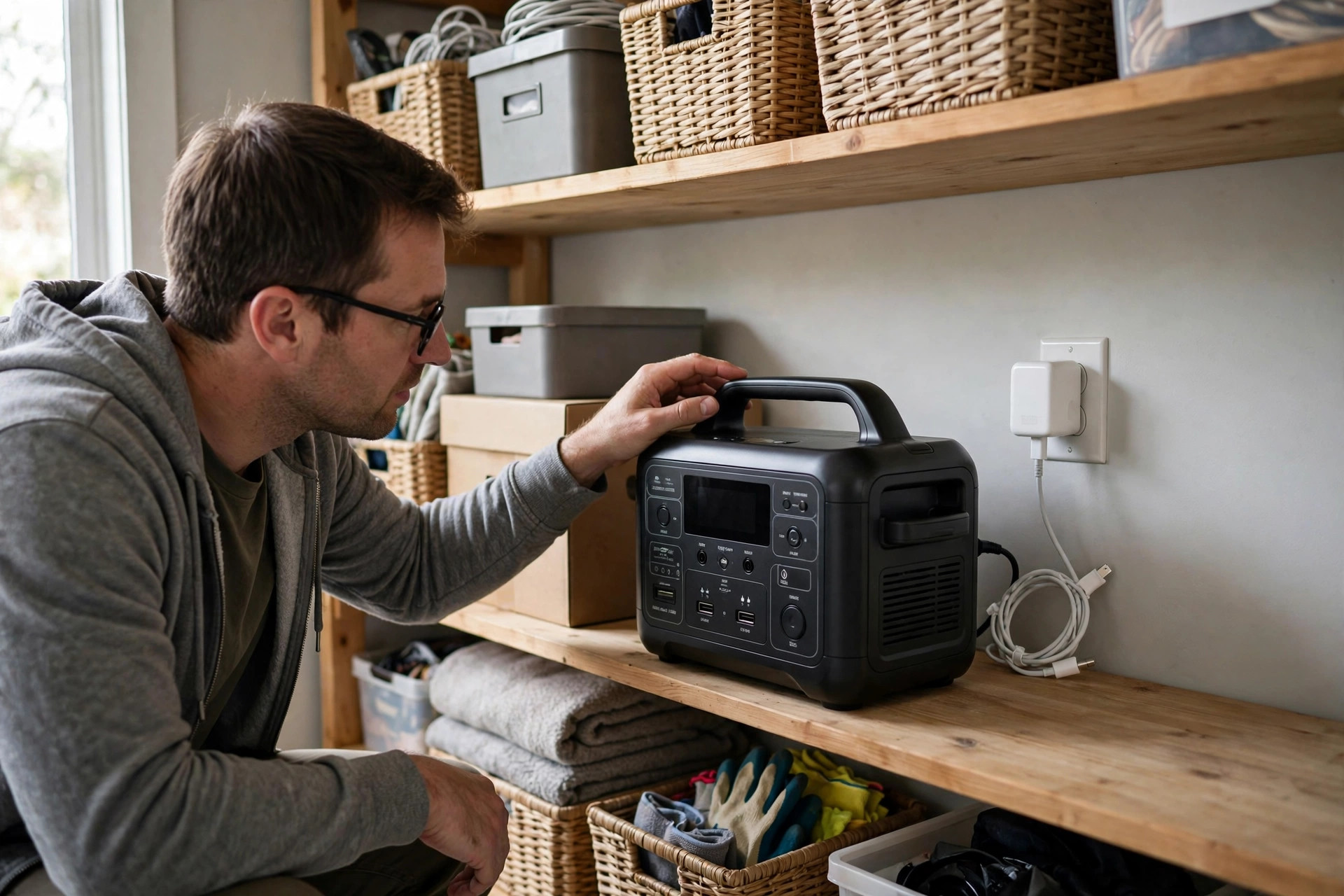
Set a recurring reminder — I do mine with the smoke detector battery check. Power it on, check the percentage, and charge back to 60-80% if it’s drifted down. This one habit is the difference between a power station that’s ready and one that’s a paperweight when the lights go out. It also gives the BMS a chance to rebalance the cells, which only happens near the top of a charge.
What about leaving it plugged into solar?
Some owners leave their unit connected to a panel in a sunny window as a trickle maintainer. This can work, but with caveats: most solar generators aren’t designed for indefinite float charging, and sitting at 100% for months ages the battery faster. If your unit has a charge-limit setting (many EcoFlow, Bluetti, and Anker models now do), set the max to 80% and let the panel maintain it there. A unit with an MPPT charge controller will also refill faster when you do your periodic top-ups. Without a charge limit, I’d rather do the manual top-up every few months.
Signs your stored unit needs attention
- Won’t power on at all — deeply discharged; try the AC charger (not solar) for several hours. Some units need a “jump” from the wall adapter to wake the BMS.
- Charges to 100% suspiciously fast — the cells may be badly out of balance; run a full discharge/charge cycle to let the BMS recalibrate.
- Swelling, heat, or odd smells — stop using it immediately. A swollen lithium battery is a fire risk; contact the manufacturer.
- Capacity seems much lower than rated — could be age, heat damage from bad storage, or just a unit that spent years at 100% in a hot garage.
For the complete long-term storage routine — including firmware, port covers, and seasonal checklists — see our companion guide on storing a solar generator long-term. And if you’re sizing a unit for outage duty, our generator sizing calculator will tell you how much capacity you actually need to ride through a blackout.
App-connected units: use the low-battery alerts
One genuinely useful feature on modern solar generators: the companion app can notify you when the battery drops below a threshold. If your unit supports it, set a low-battery alert at 40% — that way, even if you forget the calendar reminder, your phone nags you before the unit drifts into the danger zone. It’s a small thing, but it’s saved my backup unit from a deep discharge at least once. Just remember the app radio itself draws power, so this is a complement to powering the unit fully off, not a replacement for it.
Do solar generators lose charge when not in use?
What battery percentage should I store my solar generator at?
How often should I charge my solar generator in storage?
Can heat damage a stored solar generator?
Why won’t my solar generator turn on after storage?
A solar generator is an emergency tool, and emergency tools fail from neglect, not use. Sixty percent charge, powered fully off, cool closet, calendar reminder every few months. That’s the whole system — and it’s the difference between grabbing a lifeline and grabbing a brick when the storm hits.

Related Guides
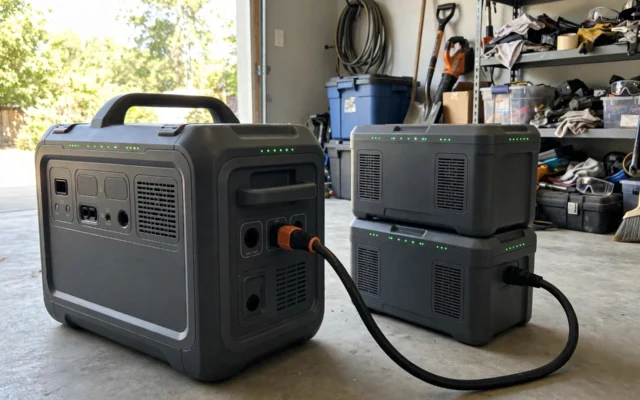
Solar Generator Expansion Batteries: How They Work & Are They Worth It?
Expansion batteries can double or triple your solar generator's capacity. How they connect, what they cost per kWh, and when they're worth it — vs. just buying bigger.

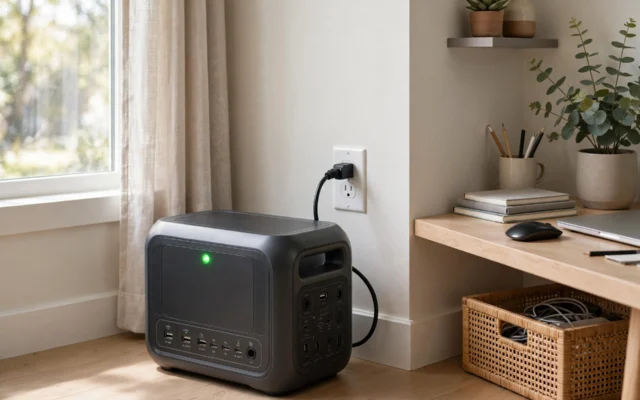
Can You Leave a Solar Generator Plugged In All the Time?
Can you leave a solar generator plugged in 24/7? Yes — the BMS prevents overcharging. But sitting at 100% shortens battery life. Here's the 80% rule and the right settings.
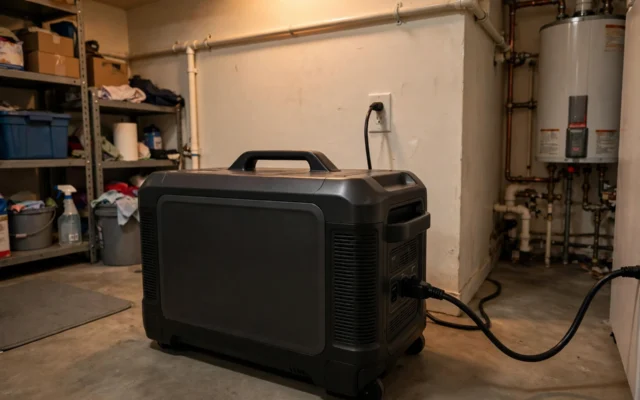
Can a Solar Generator Work as a UPS for Home Backup?
A solar generator can work like a UPS for most home backup — but it's technically EPS, not a true UPS. Switchover times, what stays on, and what doesn't.