


A solar generator is one of the most reliable pieces of equipment you can own — no fuel to go stale, no oil to change, no spark plugs to foul. But “low maintenance” does not mean “no maintenance.” The lithium battery inside your station is a chemical system, and how you treat it determines whether you get 500 cycles or 4,000+ cycles out of it. That is the difference between a battery that fades in three years and one that lasts a decade.
These ten practical tips cover everything that actually moves the needle on battery lifespan, drawn from manufacturer guidance and real-world long-term ownership. None of them take more than a few minutes.
1. Store It at 50 to 80 Percent Charge — Not 100 Percent
This is the single most important habit. Lithium batteries degrade fastest when stored at full charge, because high voltage stresses the cells. If your solar generator sits in a closet at 100 percent for months between uses, you are quietly aging the battery.
The sweet spot for storage is 50 to 80 percent. Many modern stations — EcoFlow, BLUETTI, Jackery — have a charge-limit setting in their app. Set it to 80 percent for everyday use and storage, and only charge to 100 percent when you actually need maximum runtime, like before a storm.
2. Keep It Cool — Temperature Matters More Than You Think
Heat is the number one enemy of lithium batteries. Storing or charging a station in a hot garage, a car trunk in summer, or direct sunlight accelerates chemical degradation dramatically. As a rule of thumb, every 10°C (18°F) of sustained extra heat roughly doubles the rate of aging.
Store your generator indoors at room temperature whenever possible. Avoid charging it in direct sun — move the station into the shade and run longer panel cables instead. And never charge a lithium battery below freezing (0°C/32°F); charging in freezing temperatures can cause permanent lithium plating damage. Most quality stations have low-temperature charging protection, but do not rely on it as your plan.
3. Update the Firmware
Your solar generator is a computer with a battery attached. Manufacturers regularly release firmware updates that improve battery management — better charge curves, smarter thermal management, more accurate state-of-charge readings. EcoFlow and BLUETTI in particular have shipped updates that measurably improved charging behavior.
Check the companion app every few months and install updates when available. It takes five minutes and it is free battery life.
4. Avoid Running It to Zero Regularly
Deep discharges stress lithium cells. Draining your station to 0 percent once during an emergency is fine — that is what it is for. Doing it every weekend will shorten the battery’s life noticeably.
Try to keep routine discharges above 10 to 20 percent. If your station has a discharge-limit or eco-mode setting, use it. Think of 0 percent as the emergency reserve, not the normal endpoint.
5. Charge Slower When You Are Not in a Hurry
Fast charging is convenient, but speed creates heat, and heat ages batteries. If you need a full recharge in under an hour before a storm hits, use the fast mode — that is what it is for. But for routine top-ups, slower charging is gentler.
Many stations let you choose charge speed in the app. Solar charging is naturally gentle and is excellent for battery health. When charging from a wall outlet with no time pressure, dial the speed down.
6. Cycle the Battery Every 3 to 6 Months
Batteries that sit unused for a year can develop calibration drift — the displayed percentage no longer matches reality — and in extreme cases cells can fall out of balance. The fix is simple: every three to six months, discharge the station to around 20 to 30 percent and recharge it back to 80 percent.
This keeps the battery management system calibrated and the cells balanced. Put a recurring reminder on your calendar; it takes no effort beyond plugging in a space heater or fan for an afternoon.
7. Keep Your Solar Panels Clean
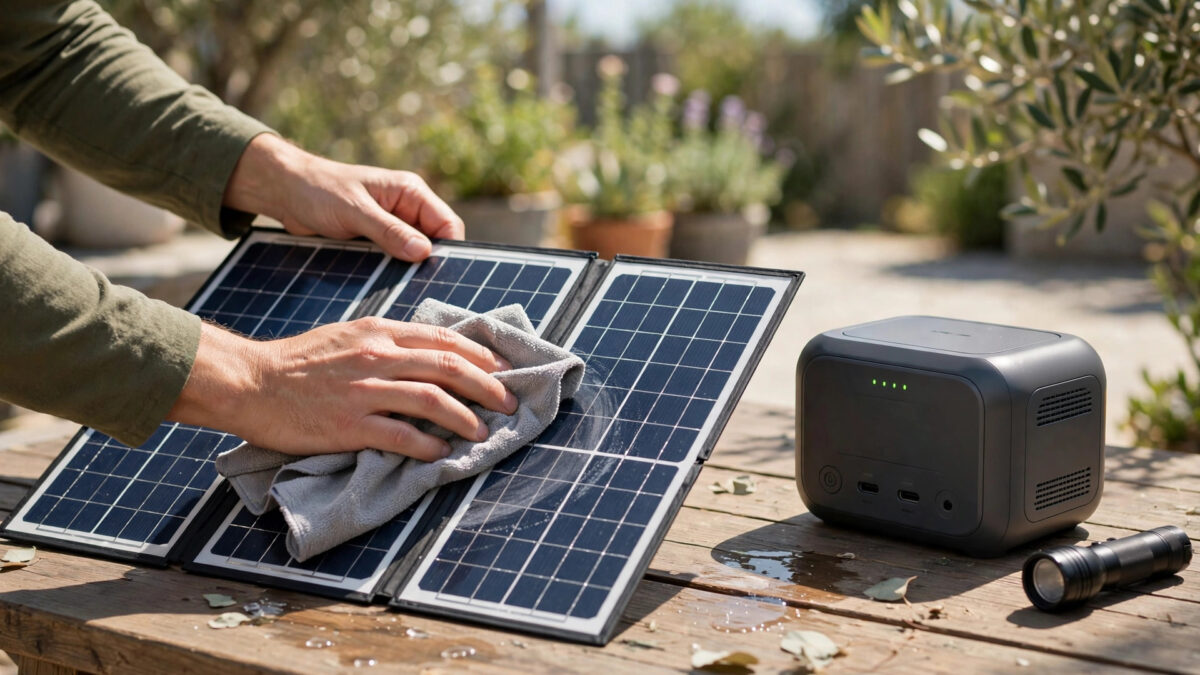
This one is about the panels, not the station, but dirty panels mean slower charging and more time spent at partial charge. Dust, pollen, bird droppings, and leaves can cut panel output by 10 to 25 percent.
Wipe portable panels down with a soft cloth and water every few uses. For roof-mounted panels, a rinse a few times a year is enough in most climates. Never use abrasive cleaners or pressure washers on panels.
8. Take Care of the Ports and Cables
Loose, corroded, or damaged connections create resistance, which creates heat and wastes energy. Inspect your cables and ports a couple of times a year: look for bent pins, corrosion, cracked insulation, and MC4 connectors that no longer click firmly.
Keep dust caps on unused ports, especially if you store the unit in a garage or shed. And coil cables loosely — tight kinks and yanked connectors are how cables die.
9. Use Eco and Standby Modes
Most stations draw a small amount of power just being turned on — the inverter and display consume energy even with nothing plugged in. Over weeks of storage, that idle drain adds up and can deep-discharge the battery.
For storage, turn the unit fully off, not just idle. For daily use, enable auto-sleep and eco modes so the inverter shuts down when loads are tiny or absent. These settings exist precisely to protect the battery from slow, silent drain.
10. Know Your Cycle Rating — and What It Really Means
Manufacturers rate batteries in cycles to 80 percent capacity — for example, 4,000 cycles for the Jackery Explorer 1000 v2 or 6,000+ for the BLUETTI Elite 200 V2. One “cycle” means a full 100 percent of discharge, so two days of 50 percent use equals one cycle.
Do the math on your own usage: if you cycle the battery 100 times a year, a 4,000-cycle battery lasts 40 years in cycle terms — calendar aging will get it long before cycles do. This is why storage habits (tips 1 and 2) matter far more than cycle counts for most owners. The battery will die of old age, not overuse, if you treat it right.
What is the best charge level to store a solar generator?
Store your solar generator at 50 to 80 percent charge. Storing at 100 percent stresses lithium cells and accelerates degradation, while storing near empty risks deep discharge. Set an 80 percent charge limit in the station’s app for everyday use and storage.
How often should I charge my solar generator if I am not using it?
Top it up every 3 to 6 months to keep it in the 50 to 80 percent range, and do a calibration cycle (discharge to 20-30 percent, recharge to 80 percent) on the same schedule. Lithium batteries self-discharge slowly, but a year of neglect can unbalance cells.
Does fast charging damage a solar generator battery?
Occasional fast charging is fine — it is what the feature is for. But frequent fast charging generates extra heat, which accelerates aging. For routine charging with no time pressure, use a slower charge rate or solar charging, both of which are gentler on the battery.
Can heat damage my solar generator?
Yes — heat is the number one enemy of lithium batteries. Avoid storing or charging in hot garages, car trunks, or direct sunlight. Store indoors at room temperature, charge the station in the shade, and never charge below freezing (0°C/32°F).
How long do solar generator batteries last?
Modern LiFePO4 stations are rated for 3,000 to 6,000+ cycles to 80 percent capacity — roughly 10 years of regular use. With good storage habits (50-80 percent charge, cool temperatures, periodic cycling), calendar aging rather than cycle wear becomes the limiting factor.
Our verdict
Battery longevity is mostly about storage, not usage. Keep your station at 50 to 80 percent charge, store it cool, cycle it every few months, update the firmware, and avoid routine deep discharges. Do those five things and a modern LiFePO4 solar generator will serve you reliably for a decade — the panels and electronics will likely outlast your need for them.

Related Guides
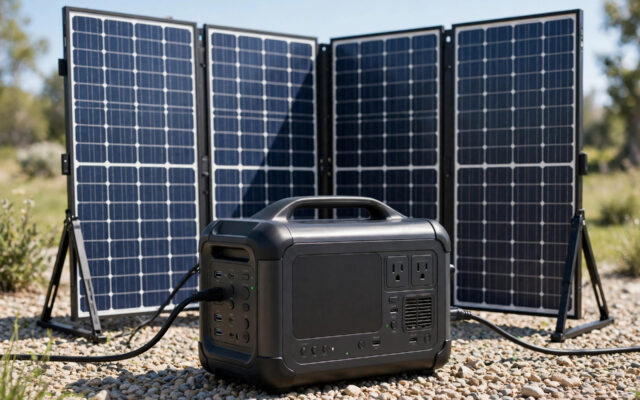
Best Solar Generator Bundles with Panels for 2027
Save money with the best solar generator bundles of 2027 — power station plus solar panel kits ready to use out of the box.

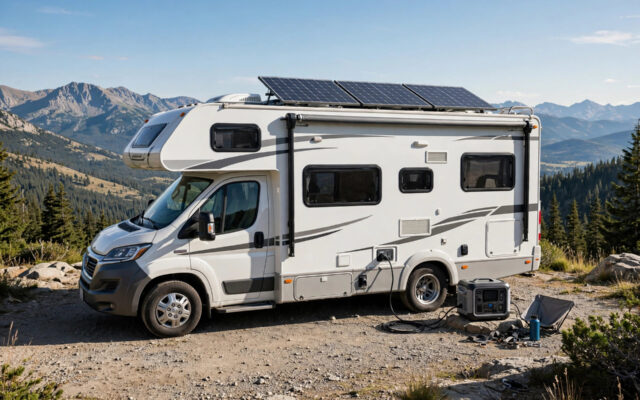
Best Solar Generators for RVs in 2027
Power your RV adventures with the best solar generators for RVs in 2027, featuring TT-30 outlets and fast solar charging.

Best Solar Generators for Camping in 2027
The best solar generators for camping in 2027: lightweight, quiet power stations that keep your gear charged off-grid.
2 Comments